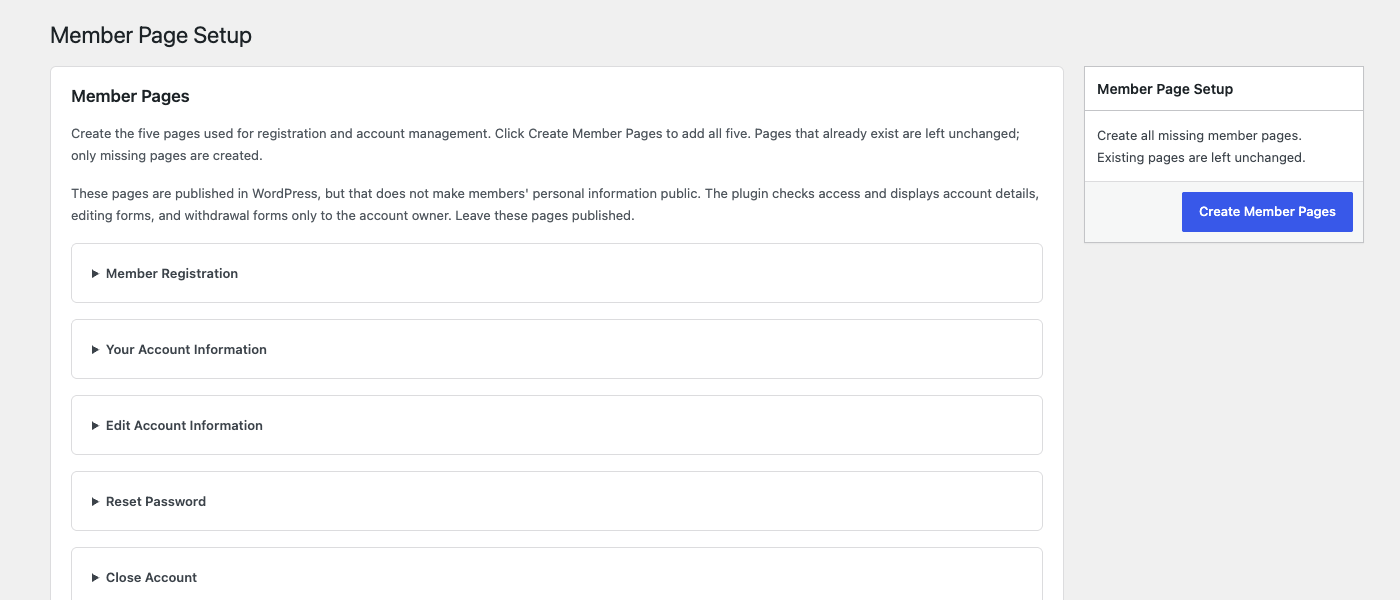
Install and activate the latest supported atshift Members free plugin.
Upload and activate the Members Pro ZIP.
Open Members → License and activate this site with the issued key.
Use staging accounts to test administrator, operator, reviewer, and member views.
Prepare the free member pages firstCreate the registration and account pages before enabling Pro operational workflows.
02 / SCOPE
Assign scope before operational permissions
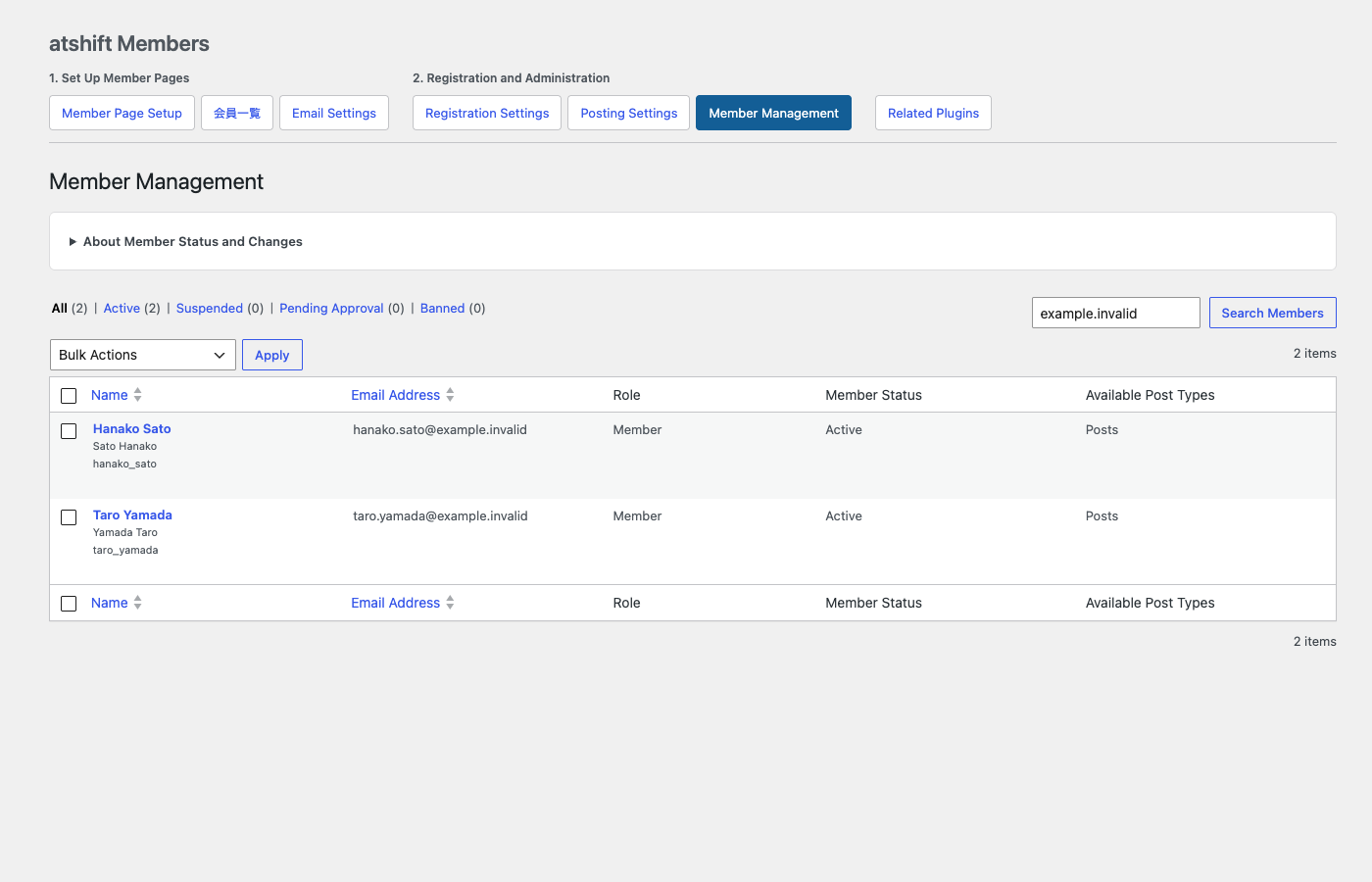
Administrators can assign the whole site or explicit atshift User Profile Fields Pro membership classifications to each operator. Review, delivery, and CSV invitation permissions are granted separately; a scope assignment alone does not authorize an action.
Parent classifications do not automatically include descendants.
Operators cannot manage administrators or other operators.
Removing the last in-scope assignment may remove a member from that operator’s list.
Member management before delegationStatus, role, and available post types remain visible while Pro adds operator scope and separate operational permissions.
03 / APPROVAL
Design a review path that cannot skip stages
Configure up to five reviewer user IDs in order. An empty configuration disables approval. The requester and original author cannot approve their own request, and changed source content requires review again.
Create or edit a draft in the standard WordPress editor.
Open the member workspace, confirm audience and attachments, and request review.
Each reviewer approves or rejects the current stage with a reason.
Publication changes only after final approval; the previous published body remains until then.
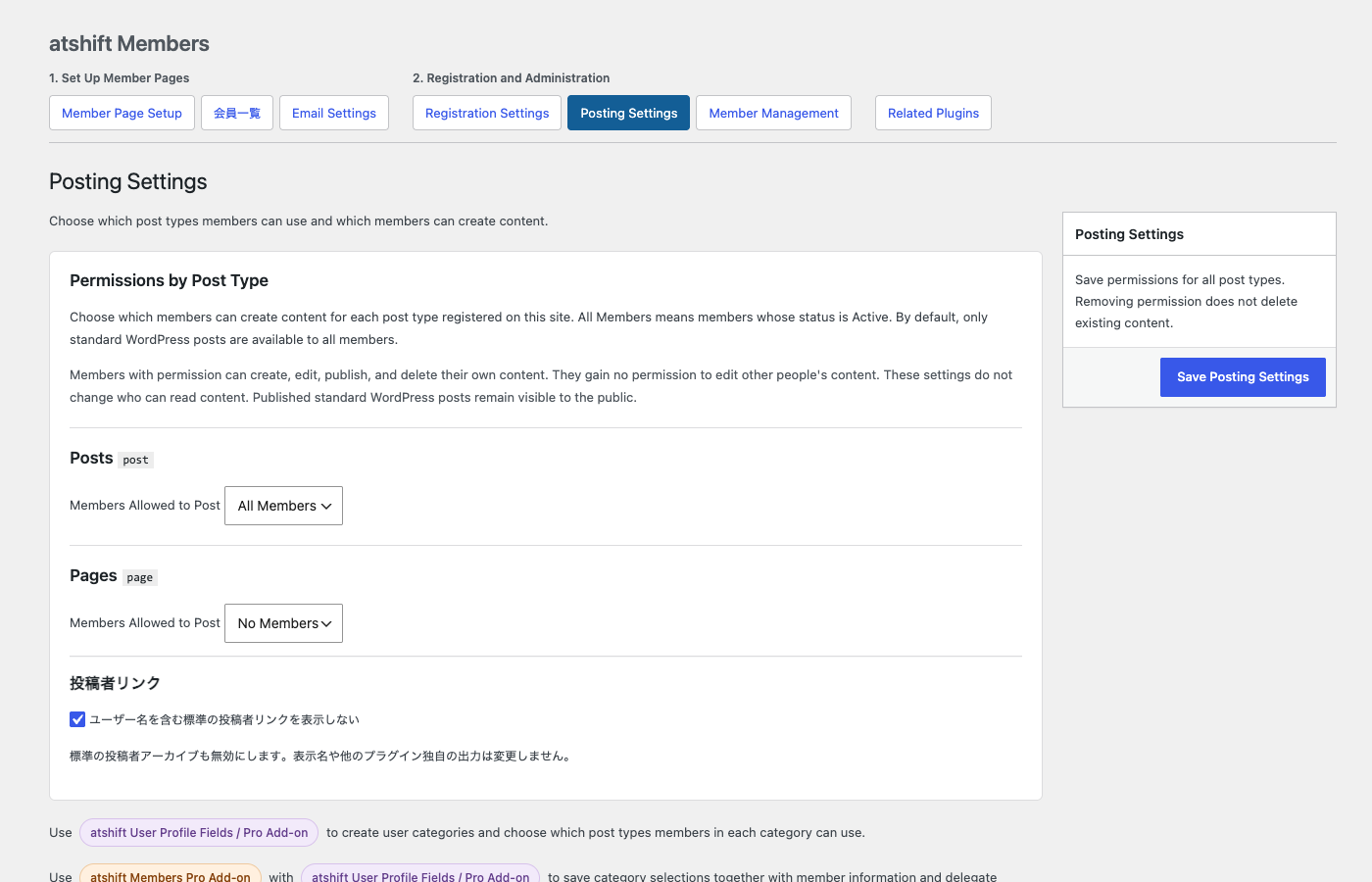
Posting permission remains separate from approvalThe free plugin decides who may create content for each post type. Pro adds the ordered review path before publication.
04 / DELIVERY
Build, confirm, and schedule a notice campaign
Select 1–20 published notices, choose all members or an allowed classification audience, and review the confirmation screen before scheduling. Only active members who opted in are candidates.
Every scheduled delivery is revalidated at send time. Changed content, audience, member state, consent, operator scope, or permission can stop the delivery.
05 / CSV INVITATIONS
Invite from CSV without creating active accounts silently
Use a UTF-8 CSV up to 100 rows and 200 KB. The required column is email. Map only allowed profile fields, inspect duplicates and existing accounts, then send each valid row into the normal email-verified registration flow.
The importer does not convert existing accounts, overwrite membership status in bulk, grant arbitrary roles, or preassign protected membership and permission fields.
06 / MEMBER WORKSPACE
Give members one place to follow their work
Place [atshme_workspace] on a member-only page. Members can see their posts, private attachments, current requests, rejection reasons, and history. Use the standard WordPress editor for creating a new draft.
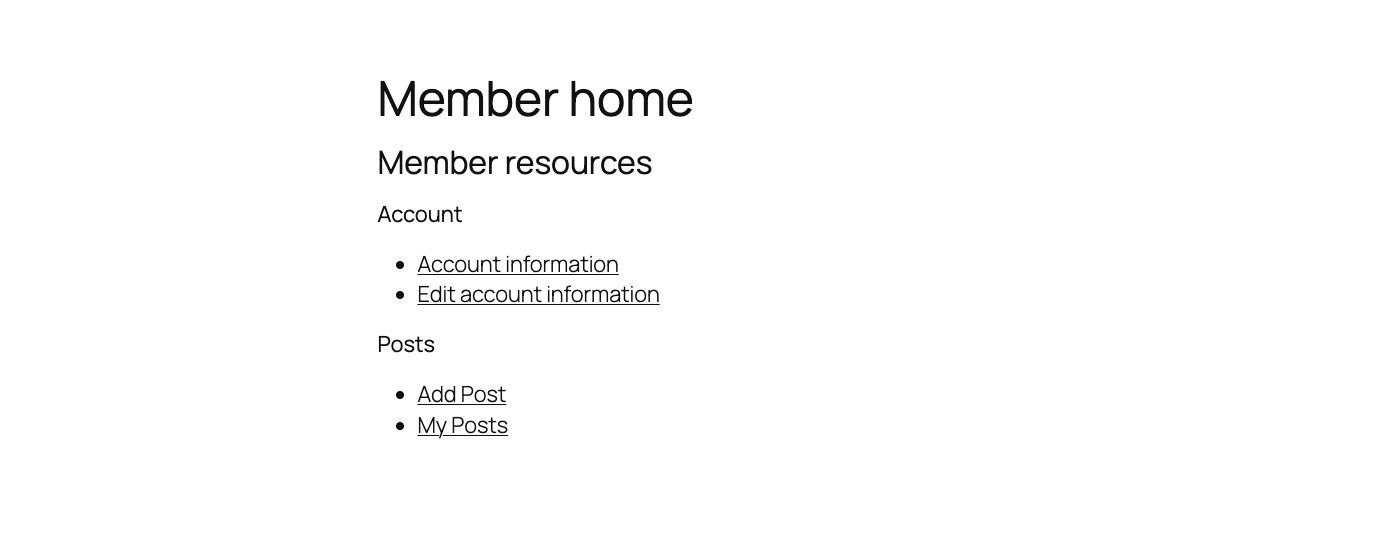
Member homeMembers have one clear place to reach account and posting work. Pro adds requests, private attachments, and review history to this flow.

 atshift Fields
 User Profile Fields
 Freeform Login
 Feed Builder
 KOTOTSUGI
 atshift Members