Background and branding
Use a background color or image, site title, and logo to create an entrance specific to your site.
 WordPress Plugins
 atshift Fields
 User Profile Fields
 Freeform Login
 Feed Builder
 KOTOTSUGI
 atshift Members
LOGIN / FREE + PRO
Give your WordPress login
more freedom.
Keep WordPress password authentication intact while adjusting background colors or images, logos, form width, nine anchor positions, fields, and buttons in a live preview. Place a complete login form or a passkey button on a page with shortcodes. Each user can register up to five passkeys and sign in with device biometrics, a PIN, or a security key.
Passkey support included
PASSKEYServer-verified passkey login
DESIGNAdjust with live preview
WORDPRESS AUTHRetains core authentication
01 / Features
Adjust the complete login screen and form in a dedicated preview while keeping compatibility with WordPress authentication.
Use a background color or image, site title, and logo to create an entrance specific to your site.
Choose from nine anchor positions and set the form width, with automatic fitting on narrow screens.
Each WordPress user can register up to five passkeys and authenticate with device biometrics, a PIN, or a security key.
02 / Screens
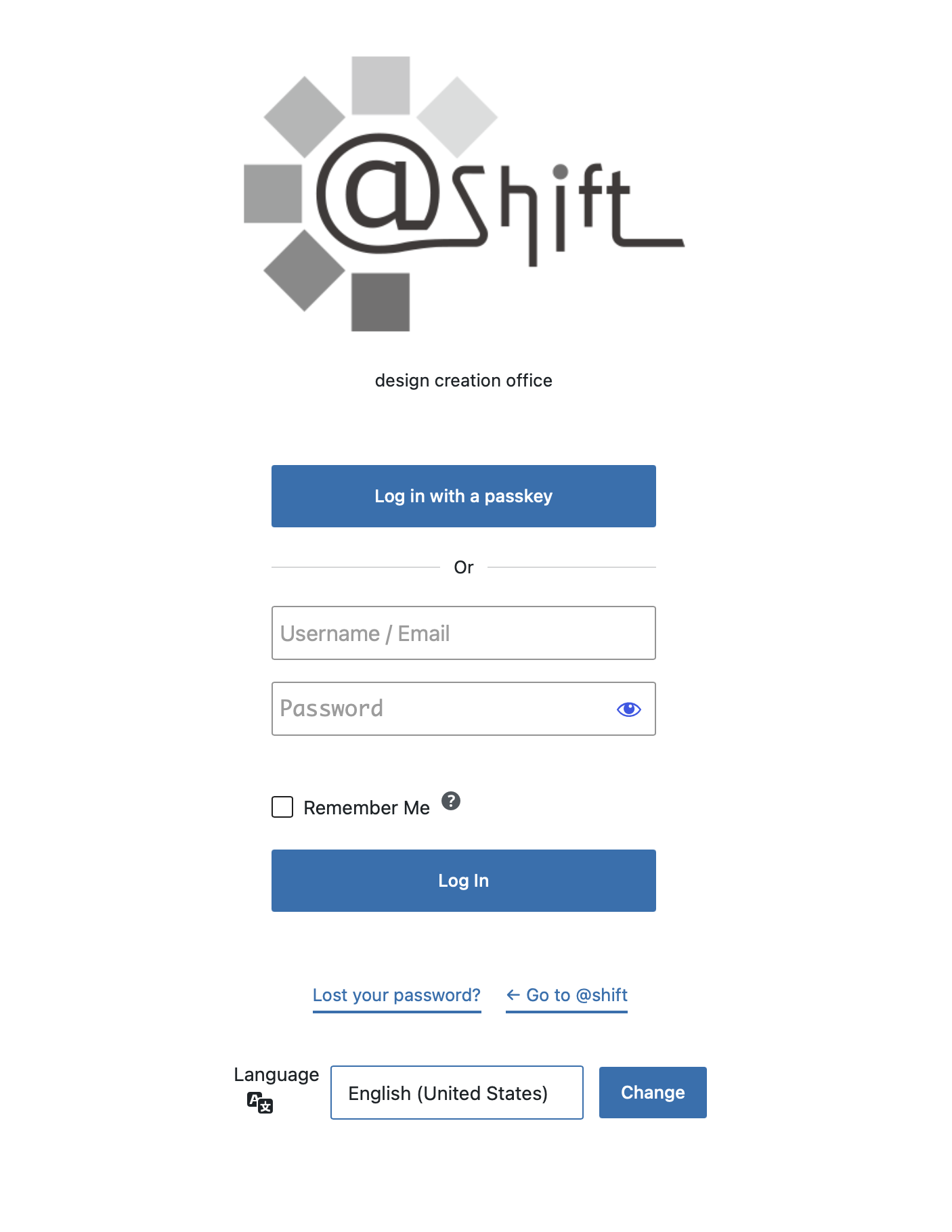
Review backgrounds, forms, and buttons at representative desktop, tablet, and mobile proportions before activation.
View the guide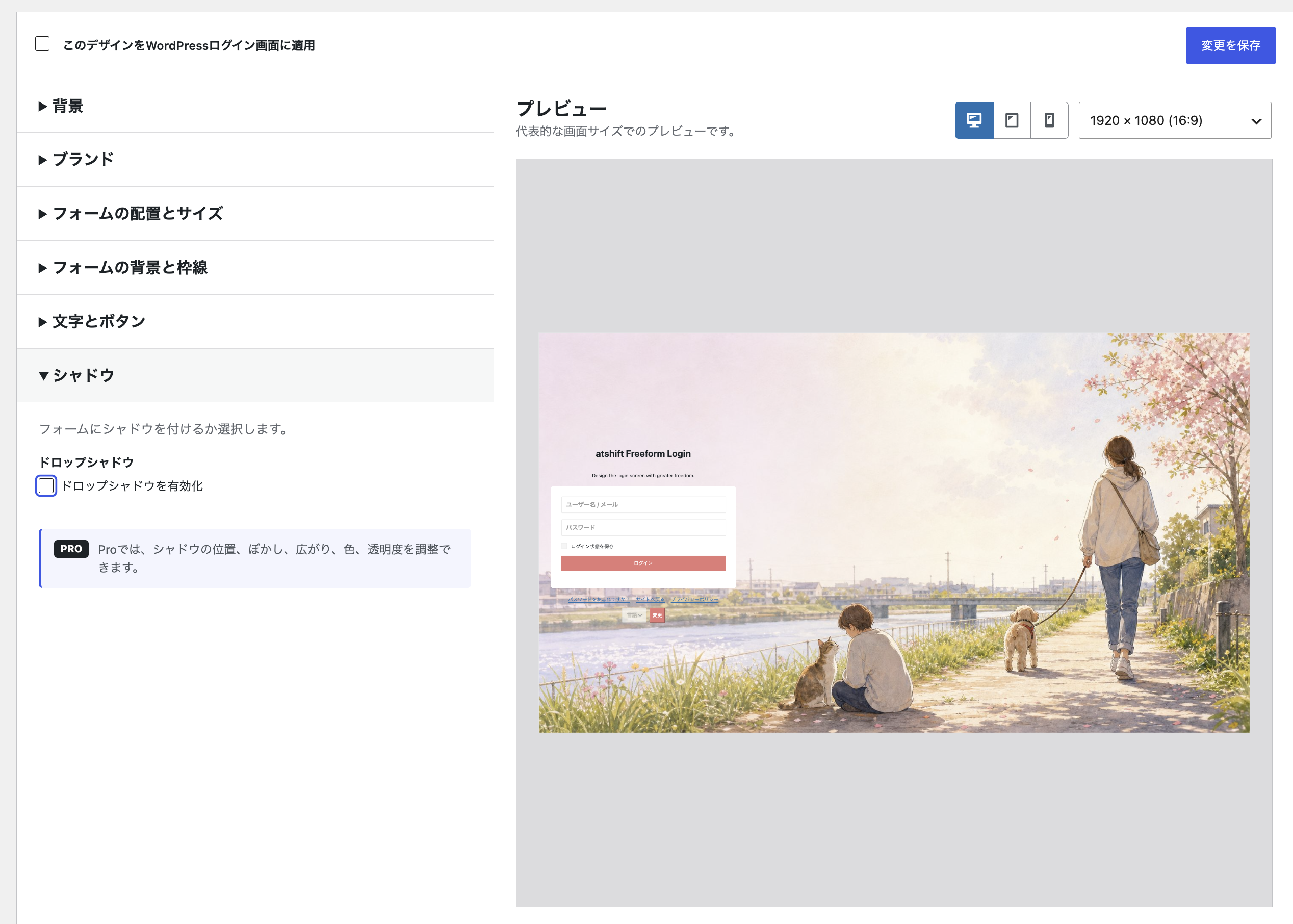
03 / Setup
Before using the plugin on a production site, take a backup and verify the display and behavior in staging.
Install it from WordPress.org and open the login design settings.
Check the background, branding, form, and placement at different widths.
Use a signed-out browser to test both the screen and authentication.
04 / PRO ADD-ON
Extend the free settings with looped video, expanded logo controls, background layers, and more detailed form styling.
Use lightweight background video and control its size and position.
Place glass, rectangular, or vertical-band layers between the background and form.
Tune tall logos and descriptive text to fit the composition.
Refine fields, buttons, shadows, and links to match the site more closely.
7-DAY PRO TRIAL / NO CARD
No credit card or automatic billing. The free plugin and saved Pro values remain after the trial.
05 / Guides
Find the information you need through focused setup, output, and integration guides.
06 / FAQ
Common questions about features, compatibility, and the scope of each plugin.
WORDPRESS PLUGINS BY @SHIFT
Start in staging and confirm that the plugin fits your actual workflow.